
A text says your parcel is stuck and asks you to pay a small redelivery fee. If you’ve been shopping Black Friday sales, you might have several packages on the way and every reason to expect a delivery update. Before tapping the link, open the retailer’s app or check the tracking number from your original order confirmation.
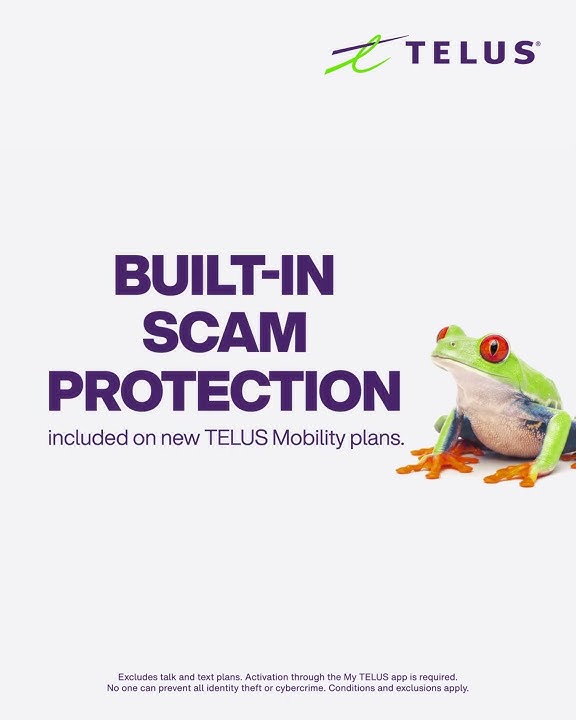
TELUS and Norton launched Scam Protection in October to help customers spot messages like that one. The tools are built into the My TELUS app and included at no extra charge on new TELUS Mobility data plans. TELUS says existing customers can switch to an eligible plan or add the service to their current plan for $3 a month. Talk-and-text-only plans are excluded from the included offer. TELUS launch announcement
What TELUS Scam Protection does
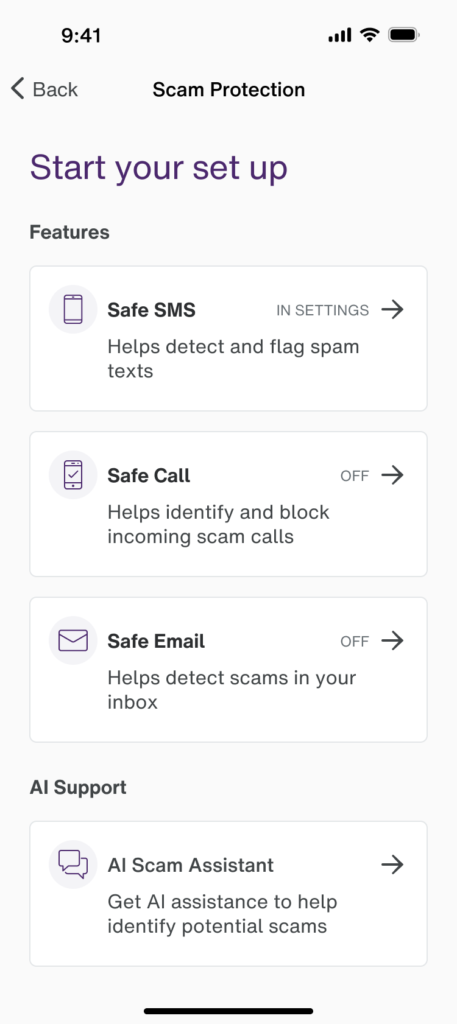
- Safe Call can block calls it identifies as scams and label incoming calls as suspected scams, spam or verified businesses.
- Safe SMS checks SMS and MMS from unknown senders for signs of fraud. Flagged messages stay in your messaging app with a warning.
- Safe Email flags suspected phishing messages and fake invoices in up to five supported email accounts you connect.
- AI Scam Assistant lets you paste a suspicious message or link, or upload a screenshot for guidance. That’s how you can check something you receive in iMessage, WhatsApp or Instagram.
How to turn it on
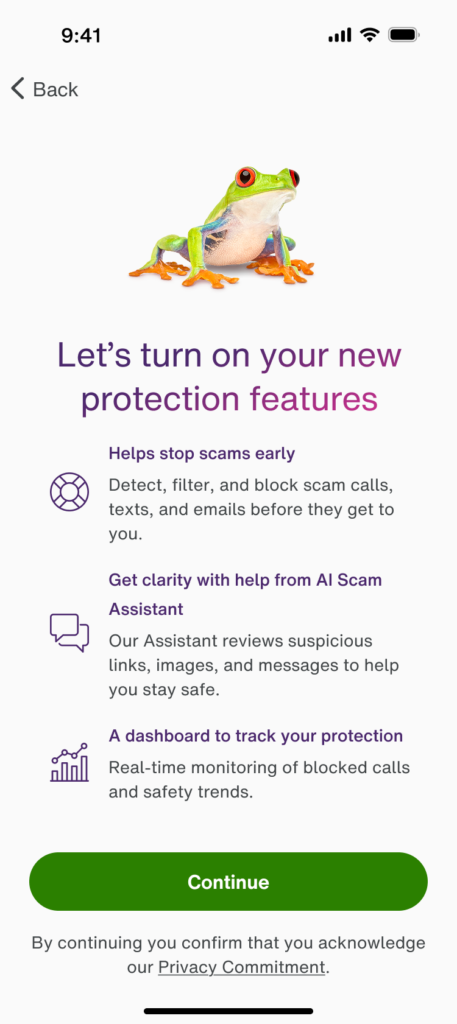
Sign in to My TELUS on iPhone or Android, go to Plans and Devices, and tap Get Started on the Scam Protection tile. Follow the prompts for the call, text and email features you want to use. The AI Scam Assistant is available without setting up those filters. TELUS setup guide
How to check a holiday deal or delivery alert
- A deal that’s unusually cheap. Open the retailer’s website yourself and look up the exact model. If it’s a marketplace listing, check who actually sells the item and what the return policy covers.
- A delivery text that asks for money. Check the order history or enter the tracking number on the carrier’s official website. Verify any requested fee there before entering payment information.
- A call that appears to be from your bank. Caller ID can be spoofed. Hang up and dial the number on the back of your card. Keep passwords, PINs and one-time codes to yourself.
- An urgent email or social message. Contact the person or business through a channel you already trust, especially if the message asks for money or account details. A familiar social account can be compromised.
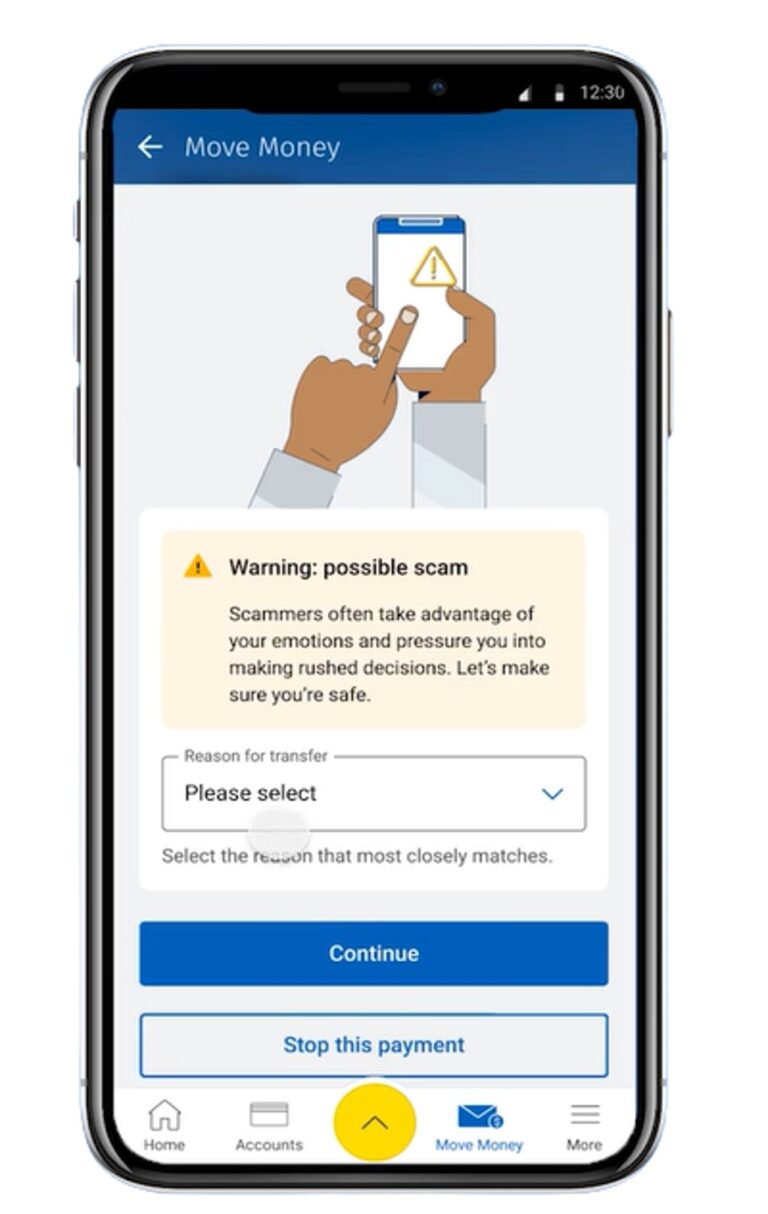
A warning gives you a reason to pause. Even when a message arrives without a warning, check the request through a channel you trust before sending money or sharing account details. Canadian Centre for Cyber Security shopping guide · Competition Bureau phishing guide
Where to report suspected fraud
If you’ve shared payment details or sent money, contact your bank or card issuer immediately. Save the message and any transaction records. If you’ve been a victim, contact your local police. Victims and witnesses can also report through Canada’s online fraud reporting portal. TELUS customers can forward phishing texts to 7726 with SPAM in the message body. Canadian Anti-Fraud Centre reporting guide · TELUS reporting instructions