By Mike Agerbo | GetConnected
I put my iPhone in my back pocket, walked up to my front door and waited for the Schlage Sense Pro to do its thing. Just as I reached the door, I heard the deadbolt retract. I hadn’t opened an app, tapped my phone on the lock or punched in a code. That’s the feature I wanted to test, and it worked on my walk-up.
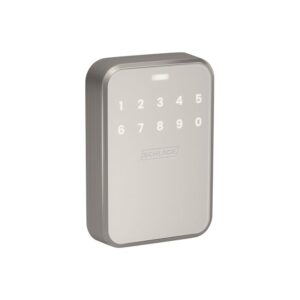
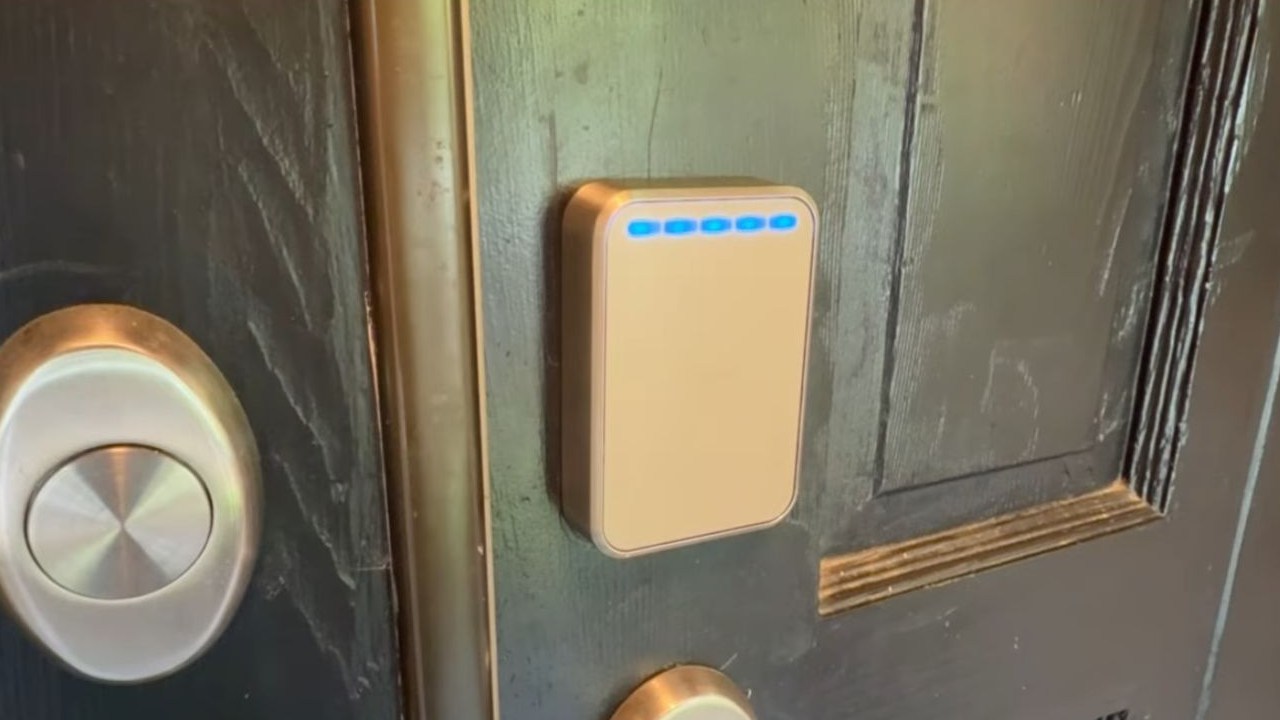
The Sense Pro has a touchscreen keypad and a motorized deadbolt, but the interesting part is how many ways it can connect. It uses Ultra Wideband to tell when you’re approaching, NFC for tap-to-unlock, Wi-Fi for remote control through Schlage’s app, Bluetooth for nearby app access, and Matter over Thread for smart home integration. Each does a different job.
Watch my installation and hands-free unlock test
Installing the Schlage Sense Pro
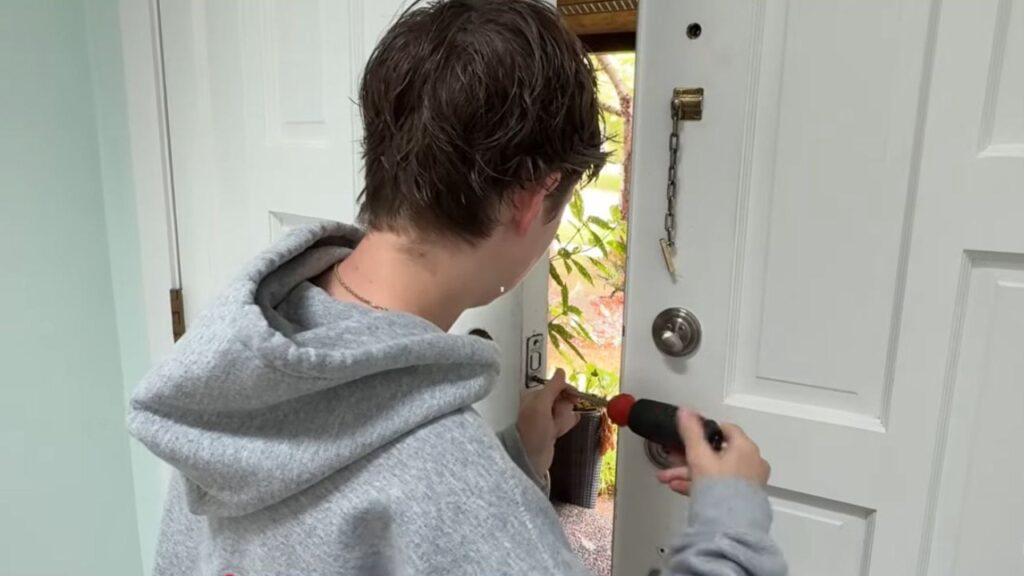
My daughter Ava helped me swap out the existing deadbolt. The physical installation took us about 10 minutes with a screwdriver. Our door already had a deadbolt opening, and the bolt lined up with the strike plate.
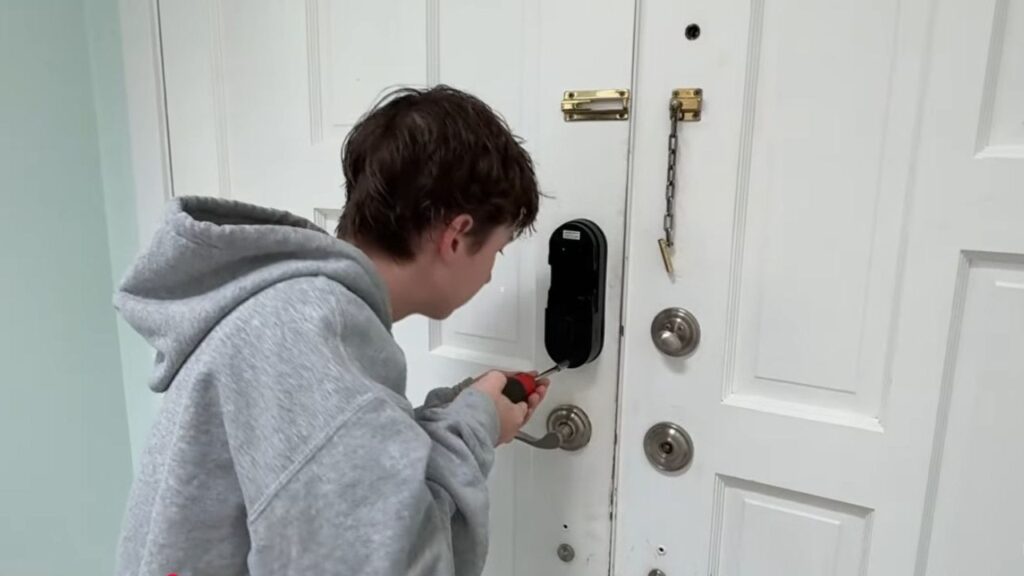
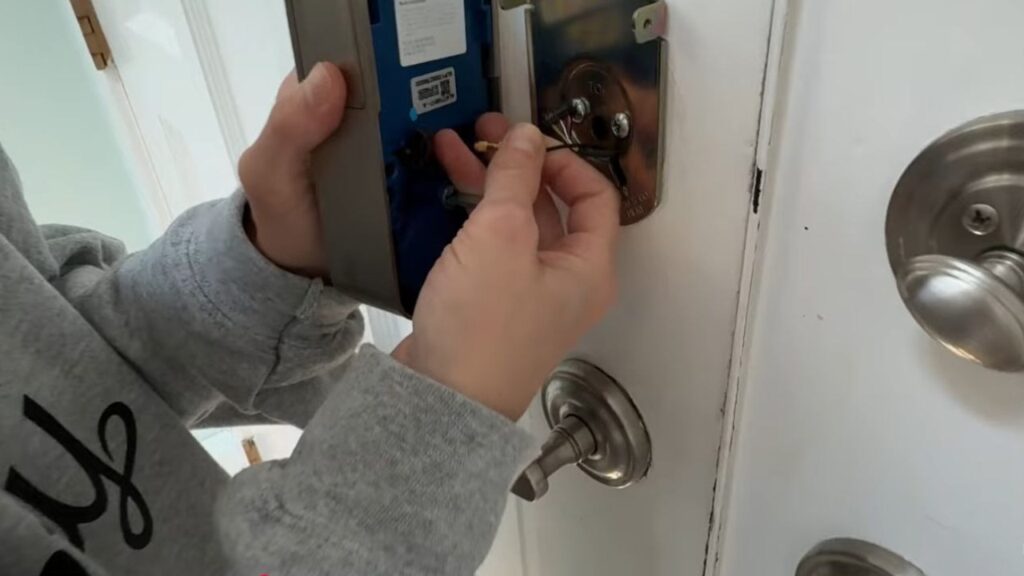
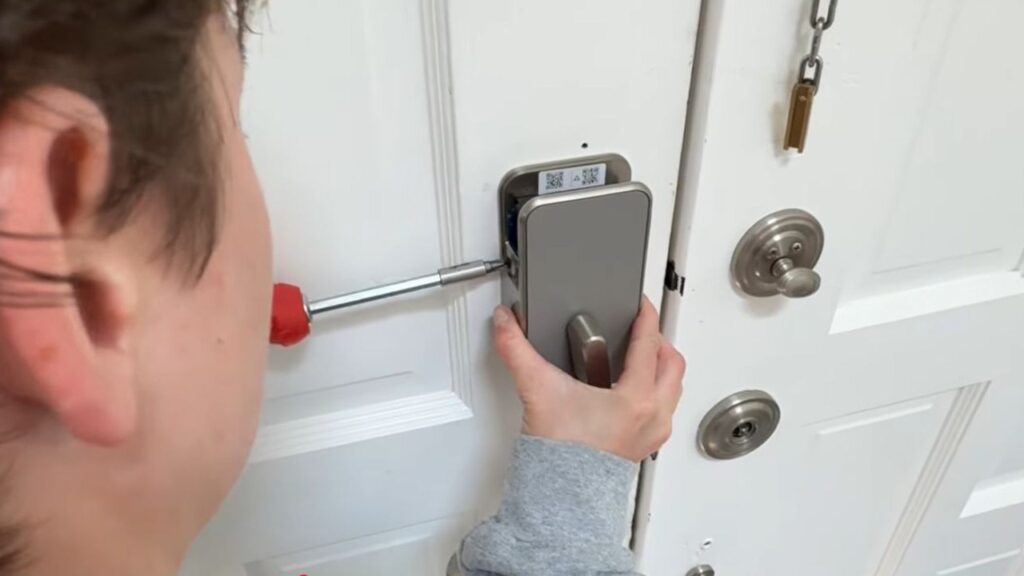
Use the bolt that comes with the Schlage kit and check that it slides freely. We fitted the touchscreen on the outside, fed its cable under the bolt, connected it to the interior assembly and installed four AA alkaline batteries. The Schlage Home app walks you through the install and setup. There’s no wiring to run.
What each connection actually does
Ultra Wideband unlocks the door as you approach
Schlage calls its approach feature Converge. Ultra Wideband, or UWB, is a short-range radio technology that helps the lock locate a compatible iPhone or Apple Watch with an authorized home key. Schlage says the lock uses the device’s speed, direction and movement to decide when you’re approaching the door. In my test, the phone stayed in my pocket from start to finish.
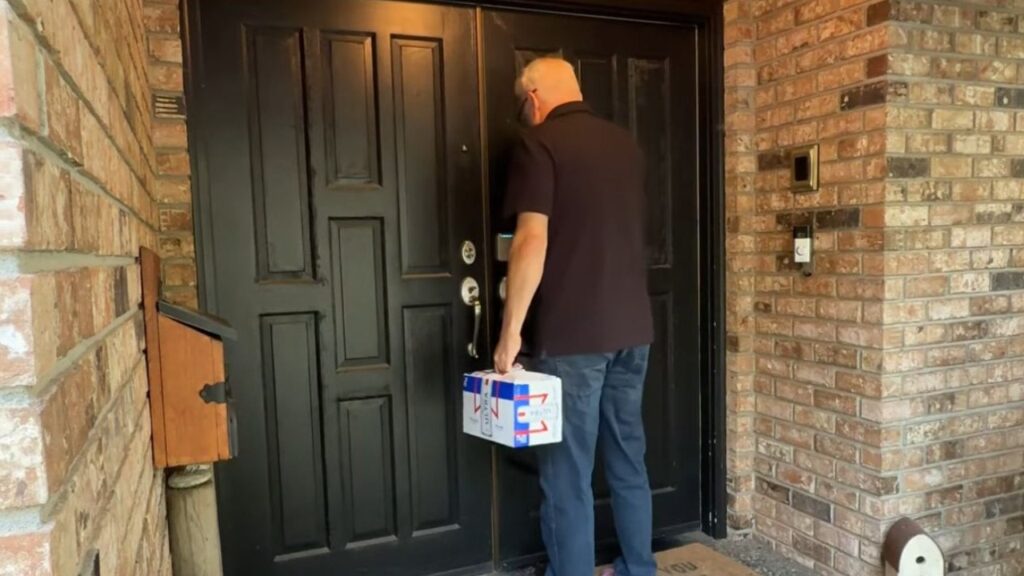
For that experience, pair the lock in Apple Home, set up your home key in Apple Wallet and enable Unlock on Approach. Schlage calls for a compatible UWB-equipped iPhone or Apple Watch and a Thread-enabled home hub. Supported hub examples include HomePod mini, HomePod (2nd generation), Apple TV 4K (2nd generation) and the Wi-Fi + Ethernet version of Apple TV 4K (3rd generation). Check your exact model and software version before buying, especially if you already have an Apple TV. Schlage’s compatibility and setup FAQ · Apple’s Thread hub list
Schlage also offers Intuitive, Touch and Delay entry modes. Intuitive is the walk-up experience I demonstrated. Touch mode adds a deliberate touch at the lock, and Delay mode gives you more time before it unlocks. You can also turn off Unlock on Approach in Wallet and use tap-to-unlock. Schlage’s entry mode guide
NFC is for tapping, Bluetooth is for nearby app control
Tap-to-unlock uses the home key in Apple Wallet over NFC. Hold a compatible iPhone or Apple Watch next to the reader. With Express Mode enabled, you can tap without opening Wallet or authenticating each time. Apple also offers an authentication setting if that’s how you prefer to use it. Bluetooth is a separate way to operate the lock from the Schlage Home app when you’re nearby, including during a Wi-Fi outage. Apple’s home key guide
Wi-Fi gets you remote access, Matter over Thread connects your smart home
The lock’s built-in 2.4 GHz Wi-Fi connects it to your home network for remote access in the Schlage Home app on iOS or Android. With the lock online, you can check activity, lock or unlock it from away and manage up to 250 keypad codes. I like being able to schedule a code for a cleaner or contractor who only needs access at certain times.
Matter is the standard that lets a compatible smart home platform understand the lock. Thread is the low-power mesh network the lock uses to carry those commands. A Thread border router connects that network to the rest of your home network. That’s the route for platform controls and routines in a compatible setup. Wallet keys and approach unlocking have their own compatibility requirements. My hands-free test was with an iPhone. Schlage’s connectivity guide
What happens if Wi-Fi or the batteries go out?
You can still enter a stored code on the keypad or use Bluetooth from nearby when Wi-Fi is down, according to Schlage. Schlage also says configured hands-free unlocking stays available during a power or Wi-Fi outage. Remote access through the Schlage app depends on the lock being online. When I’m leaving, I can touch the light bar to lock the door.
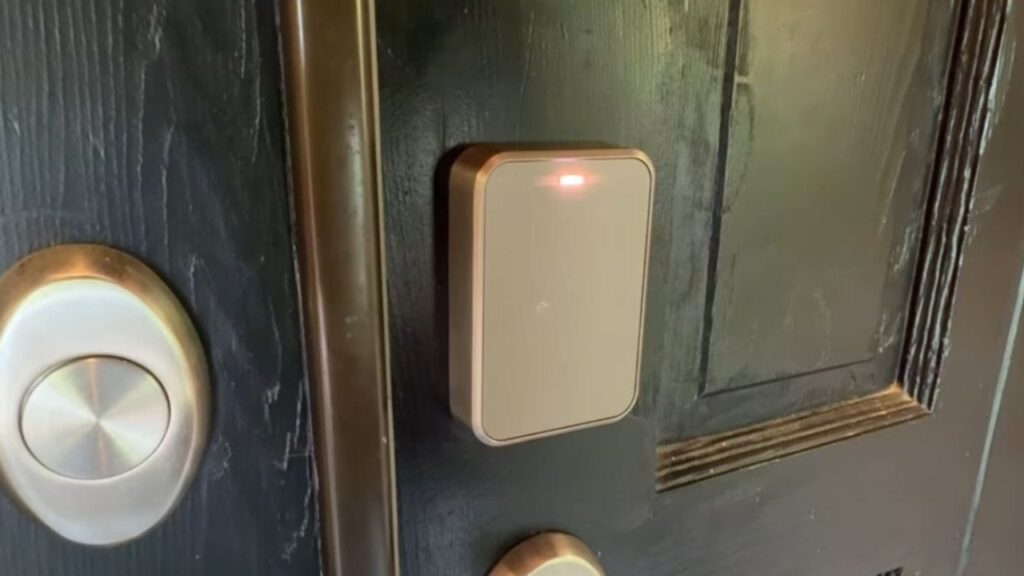
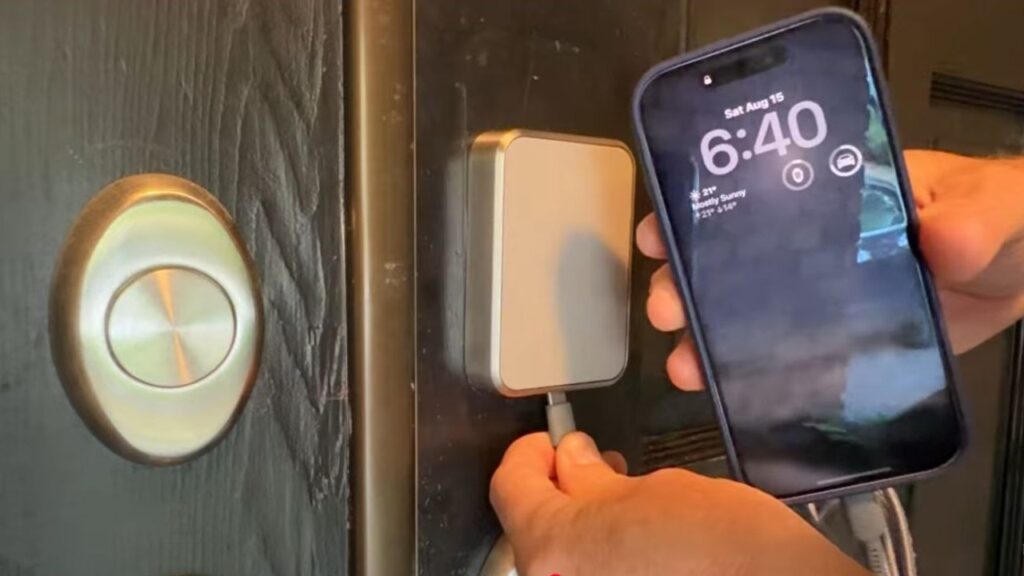
The Sense Pro has no physical keyway. Schlage rates the four AA batteries for up to six months under standard use and sends low-battery alerts. If the batteries run flat, connect a USB-C power source to the port under the exterior keypad to temporarily power the lock, then enter your code. Schlage lists an ANSI Grade 2 rating and a BHMA BAA rating for residential security, durability and finish. Schlage’s Canadian product specifications
My verdict
I’ve tested a number of smart locks, and walking up with my phone still in my pocket is what made this one stand out. I also liked having the keypad for guests and the Schlage app for managing access from away. If walk-up entry is the reason you’re buying, check your phone or watch and your Thread hub first. If you prefer a physical backup key, the Sense Pro’s keypad and USB-C backup are worth thinking through before you swap out your deadbolt.
Where to check availability
- Schlage Sense Pro in Matte Black on Amazon Canada (paid link)
- Schlage Sense Pro in Satin Nickel on Amazon Canada (paid link)
As an Amazon Associate I earn from qualifying purchases.