By Mike Agerbo | GetConnected
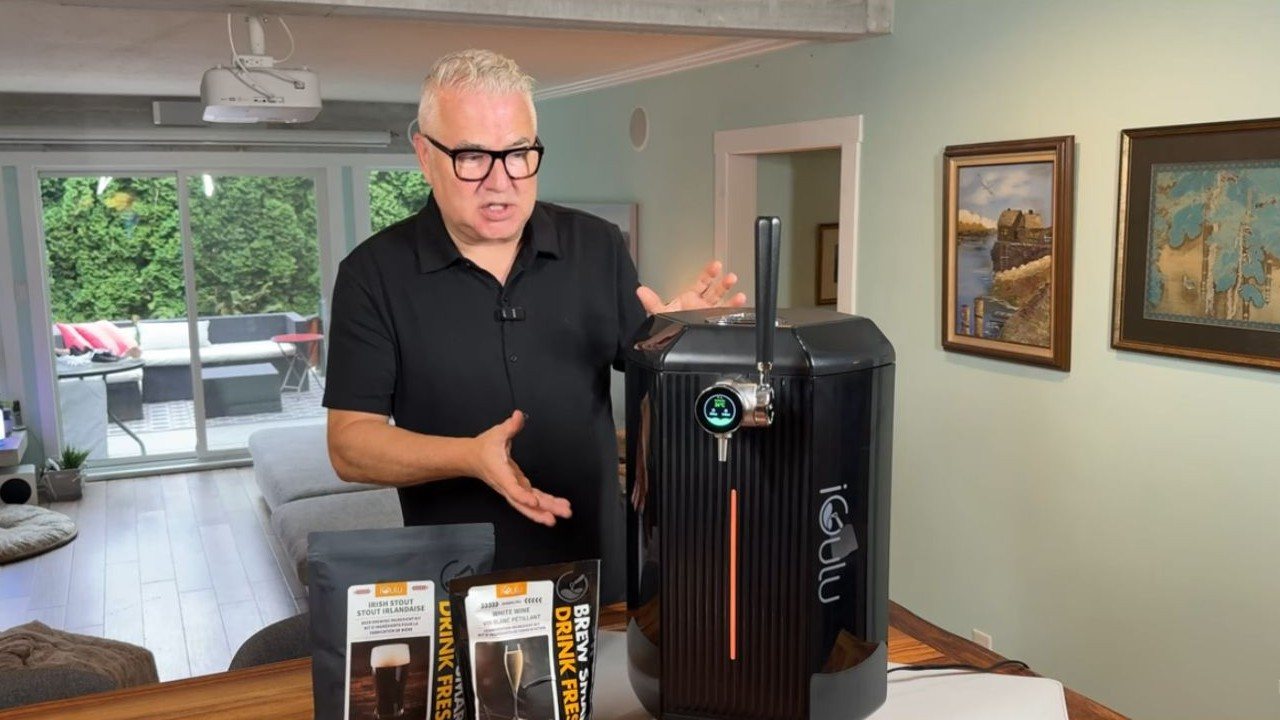
What if making your own beer were as easy as making a cup of coffee? That’s what got me interested in the iGulu F1 Pro. I’ve tried homebrew kits before, and between the prep, the equipment and the cleanup, it’s a lot of work for a batch that might turn out just okay. For this iGulu F1 Pro review, I brewed an Irish stout from a kit and waited to see what came out of the tap.
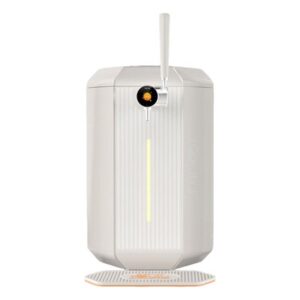
The F1 Pro is a countertop brewer that handles fermentation, chills the batch and lets you serve it from a tap on the front. It also supports CO₂ for carbonation and dispensing. A standard batch makes about 3.8 litres. I called it a little machine at the start of my video, then looked at it and corrected myself. You’ll want to make room for it.
Watch my setup, brew and taste test
How to brew Irish stout with the iGulu F1 Pro
1. Sanitize the keg and add water
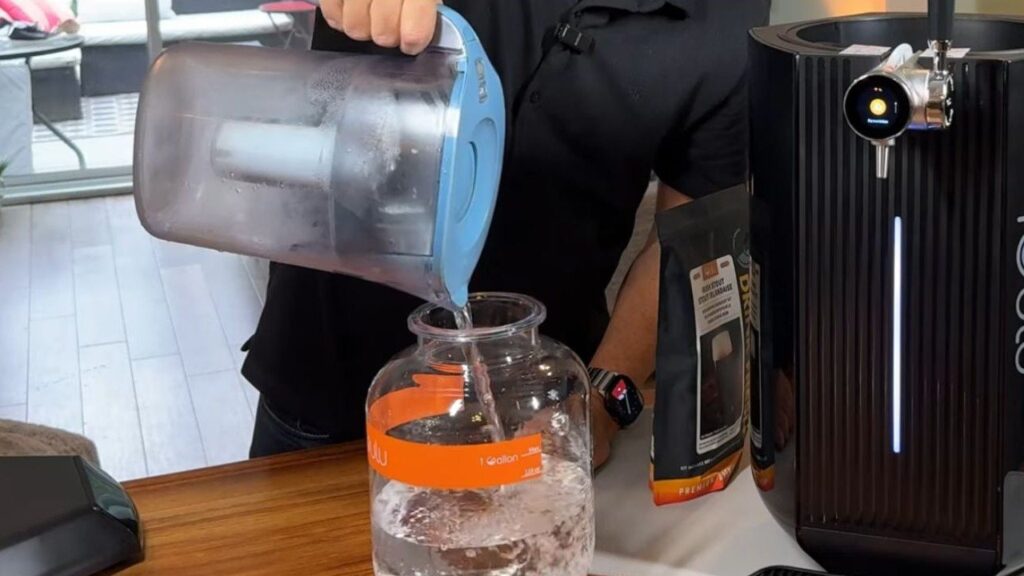
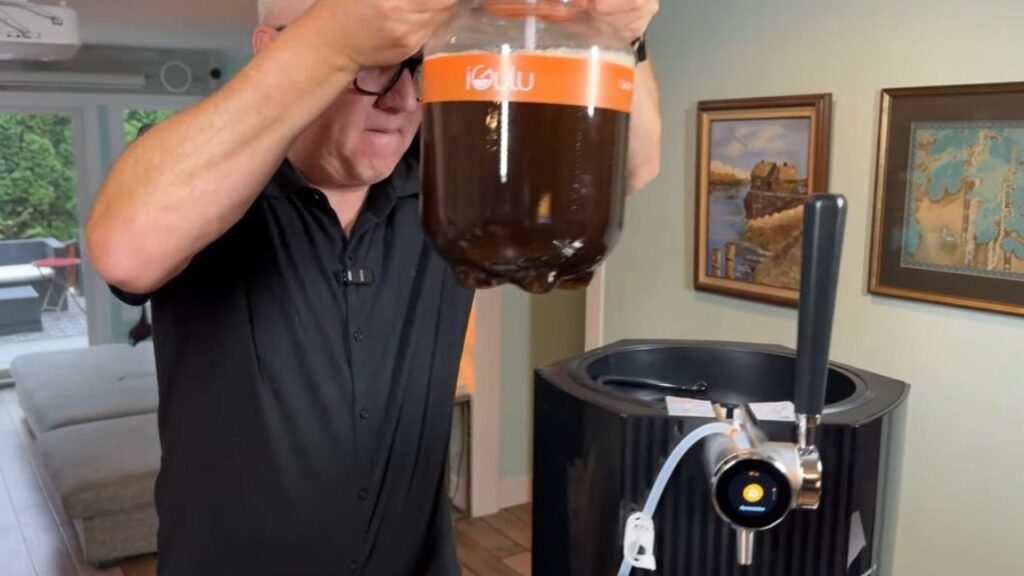
I started by sanitizing the removable keg and the utensils that would touch the brew. Then I poured in water up to the mark on the keg, following the amount on the kit. I used a Brita in the video. Follow the water requirements on your own kit.
2. Mix in the kit ingredients
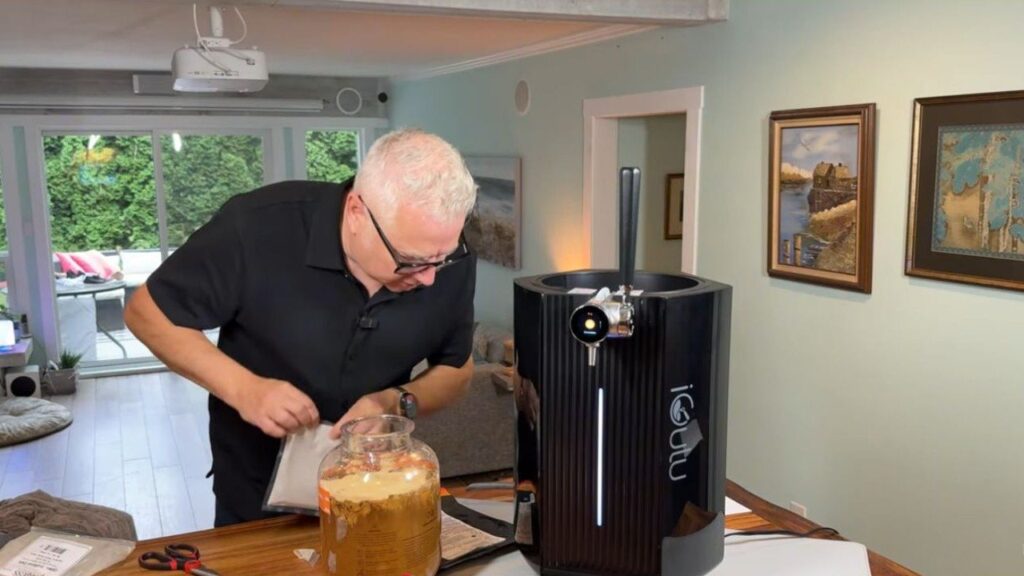
For my Irish stout, the instructions called for hops extract first, then dry malt extract and sugar. I stirred with a sanitized spoon and took a little extra time to work out the clumps. Once that was mixed, I sprinkled in the brewing yeast. My kit called for leaving the yeast on top without stirring. The order and amounts depend on the recipe, so use the directions on your kit.
3. Load the keg and set up the CO₂
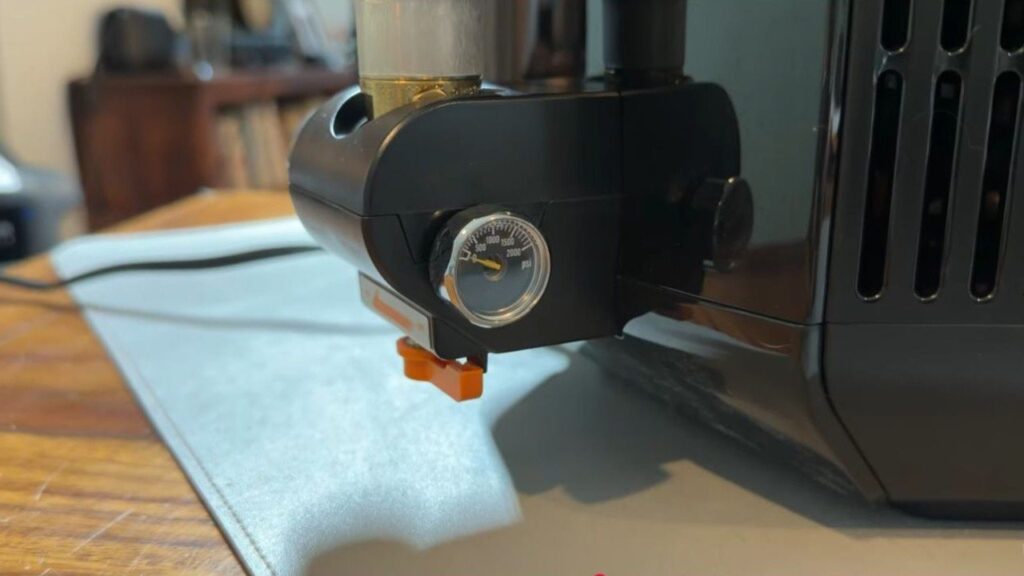
I sealed the keg, lowered it into the brewer and connected the lines as shown in the video. I also attached a compatible CO₂ cylinder, which I bought separately for my setup. Check what comes with your bundle and follow the brewer’s instructions for connecting the cylinder and setting up the lines.
4. Scan the recipe and start brewing
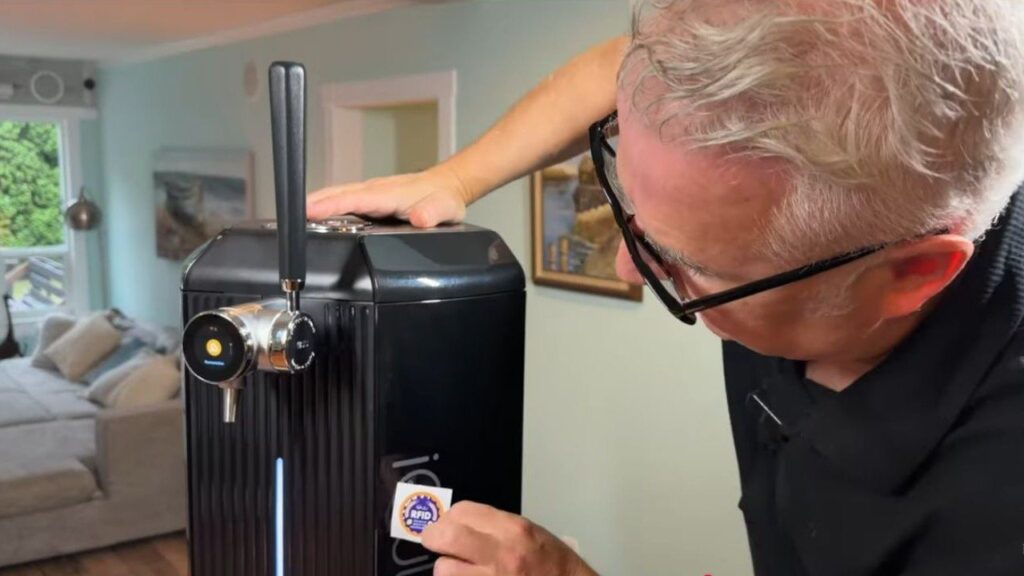
This was my favourite part of the setup. I held the kit’s RFID tag against the brewer, and the touchscreen recognized the stout recipe. I followed the prompts and hit Brew. The screen showed 12 days plus another three days for the program. I poured my first glass on day 17, after the app told me the batch was ready. Timing depends on the recipe and when you serve it.
5. Pour and taste
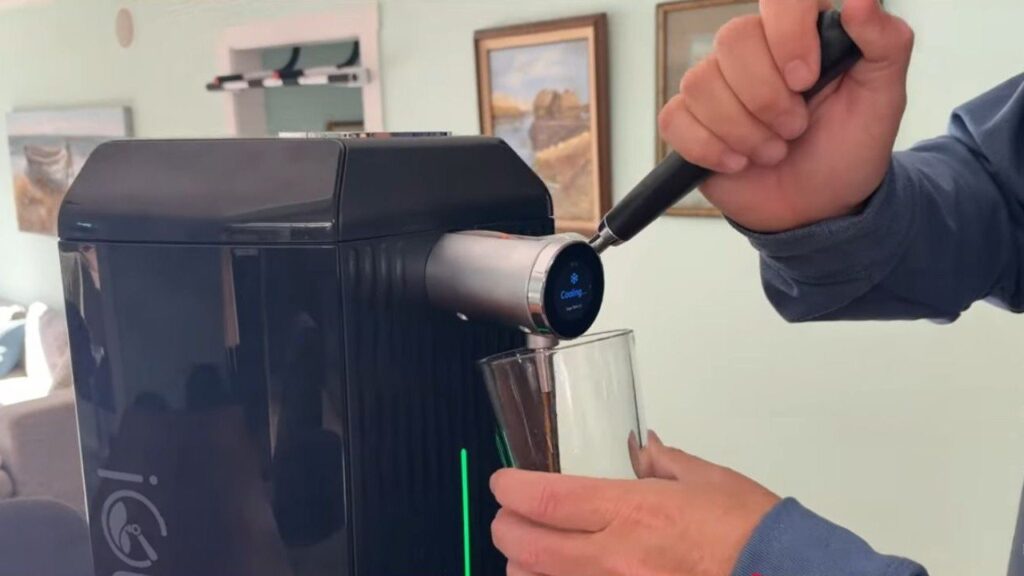
I pulled the tap and poured a glass of chilled stout. My first reaction was that it tasted like a real Irish stout, which is exactly what I wanted. I’ve tried other homebrewing devices, and this was the smoothest setup and the best-tasting result I’ve had from one so far.
My verdict
The setup was straightforward, the brewer felt well built, and I’d happily drink that stout again. The kits are a big part of the appeal for me. I’ve already ordered some lager kits, and I’d like to try the white wine kit next.
The hardest part was waiting. The prep is much closer to making coffee than my previous homebrew attempts, but you still have to give fermentation time to do its thing. If you’ve been curious about making beer at home and want a guided setup that can also chill and serve it, this is the first machine I’ve tried that made me want to start another batch.
See the iGulu F1 Pro in GC Picks
For a spare keg, see the iGulu F1 replacement fermentation keg on Amazon Canada (paid link).
As an Amazon Associate I earn from qualifying purchases.