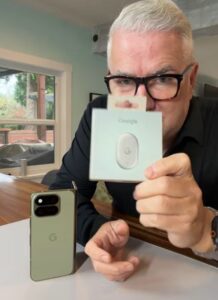
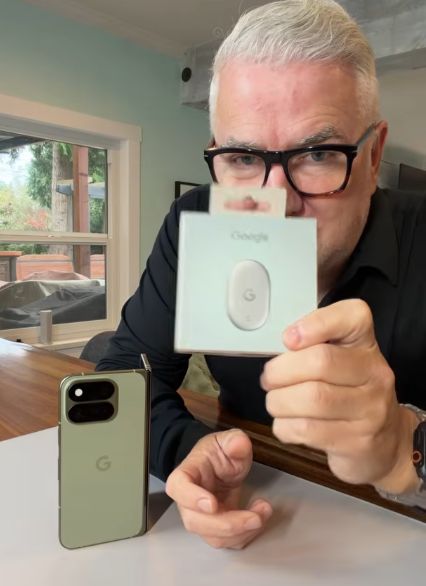
A luggage tag you can ring from your phone sounds handy. A tag that can ring your phone when it’s buried in the couch? That’s the feature that caught my attention when I unboxed the Google Pixel Tag. Google’s first item tracker is now available in Canada from C$39.99, and it gives Android users an AirTag-style option for keeping track of everyday gear.
How to set up the Pixel Tag
Pull the battery tab, bring the tracker close to a compatible Android phone and follow the Fast Pair prompt. Once it’s paired, give it a name in Find Hub that tells you exactly what it’s attached to. I’d use something like “carry-on” or “spare car keys.” That makes it easier to pick the right tracker when you’re in a hurry.

Before I put a tracker in a bag for a trip, I’d open Find Hub and ring it from the next room. If your phone supports UWB, try Find nearby as well. That gives you a chance to see what your phone can actually do and hear how loud the tag is from inside the bag.
How Find Hub tracks your stuff
If the tag is nearby, open Find Hub and make it play a sound. On compatible phones, ultra-wideband (UWB) can show you the distance and which way to walk. Phones that support Bluetooth Channel Sounding can also estimate how far away the tag is. The Pixel Tag works with compatible phones running Android 9 or later, but the precision features depend on your phone’s hardware.
If your bag is out of Bluetooth range, Google says its Find Hub network can draw on more than a billion Android devices. When a participating device passes near your tag, it can anonymously relay an encrypted location update. How quickly that pin updates depends on whether a device passes by, which is worth keeping in mind if you’re using one on a trip.

Small enough for a wallet, with a replaceable battery
The first thing I noticed out of the box was how slim it is. At 5.4 mm thick, the Pixel Tag can slip into a wallet or a luggage pocket. If you want it on a key ring, you’ll need a holder. It’s rated IP67 for dust and water resistance, and Google Store Canada lists more than a year of battery life from a CR2032 coin cell you can replace yourself.
You can share a tag with up to 10 other Android users through Find Hub. I can see that coming in handy for a shared set of keys or a gear bag that goes back and forth between family members. You can also turn on left-behind alerts, and double-press the button on the tag to ring your paired phone, even when it’s on silent.
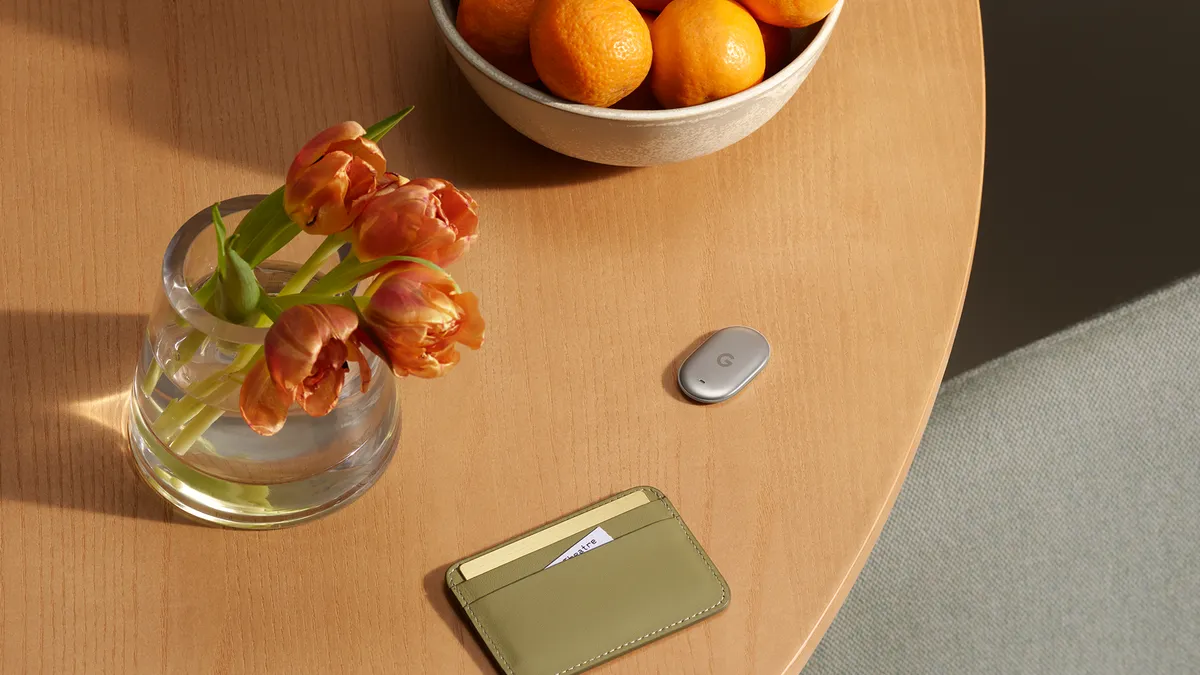
The replaceable battery is a big part of the appeal for me. A CR2032 is a common coin cell, so when it runs down you can replace it and keep using the tracker. Battery life will vary with how often you ring the tag or use nearby finding.
Where I’d put one first
Checked luggage. I’d slip a tag into an inside pocket before a flight. If my suitcase misses the carousel, the last reported location could give me something more specific to ask the airline about. I’d look at the time of the last update as well as the pin, especially if the bag was moving between terminals.
Keys and shared gear. A tag on a spare set of keys is especially useful if more than one person can ring it. In Find Hub, select the tag, tap Share ownership and choose the Android contacts you want to give access to. I’d use that for a family set of keys or a shared camera bag.
A backpack or laptop bag. This is where I’d try the left-behind alert. It could help if I walk out of a coffee shop with my phone and leave the bag under the table. Alert timing depends on your device settings and connectivity, so I’d try it close to home before relying on it on a trip.
Can you use a Pixel Tag with an iPhone?
You need a compatible Android phone to set up and track a Pixel Tag in Find Hub. The same goes for anyone you invite to share it. In a household with both iPhones and Android phones, check who needs to be able to find the item before buying a tracker. If it’s your own bag and you carry an Android phone, that decision is easier.

Is the Pixel Tag worth a look?
If you use Android and want to keep tabs on a suitcase, backpack or keys, the Pixel Tag is an easy one to shortlist. I’d start with one on the item I misplace most often. This was a first look, so the two things I’d want to test next are how quickly Find Hub updates away from my phone and how accurately it guides me back once I’m close.
Where to buy: Buy the Google Pixel Tag on Amazon.com (affiliate link).
As an Amazon Associate I earn from qualifying purchases.
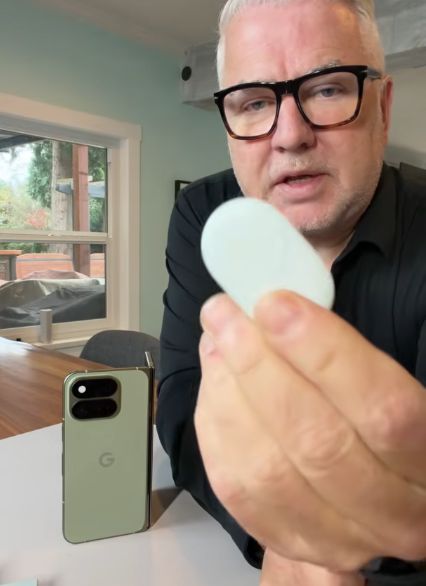
Watch my Pixel Tag unboxing
Pricing correction: I quoted a lower price in the video. The Google Store Canada lists the Pixel Tag from C$39.99.